
AutoCAD vs Revit for Building Design: Pros, Cons & Use Cases
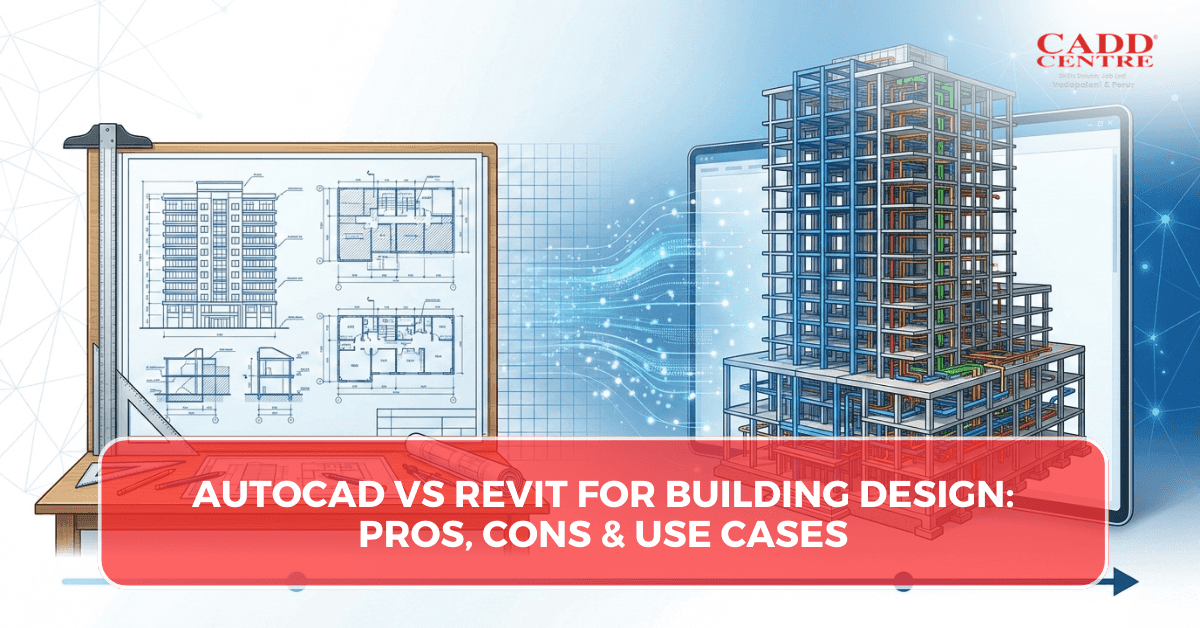
AutoCAD vs Revit for Building Design: Core Differences
1. Design Approach and Workflow
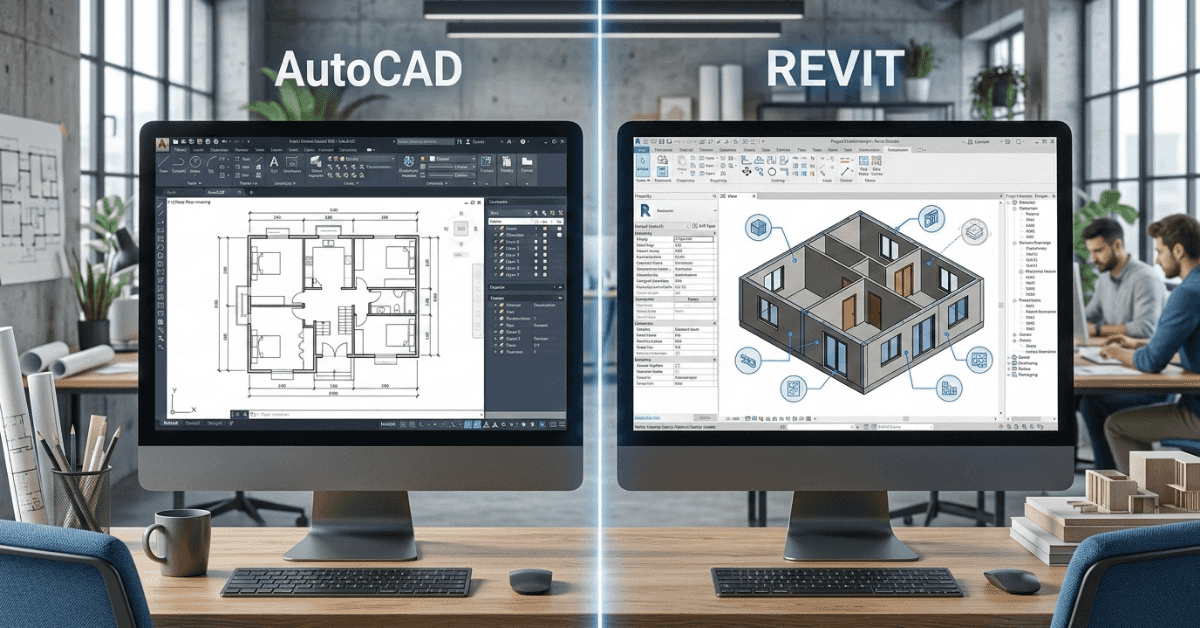
The most fundamental difference in AutoCAD vs Revit for Building Design lies in how designs are created. AutoCAD uses a drawing-based workflow where every line, shape, and annotation is manually created.
Join AutoCAD Civil 3D Training now.
Revit, on the other hand, uses a model-based workflow. Elements behave like real building components with embedded data. This allows automatic updates, clash detection, and coordination, making Revit more suitable for integrated project delivery.
2. 2D Drafting Capabilities
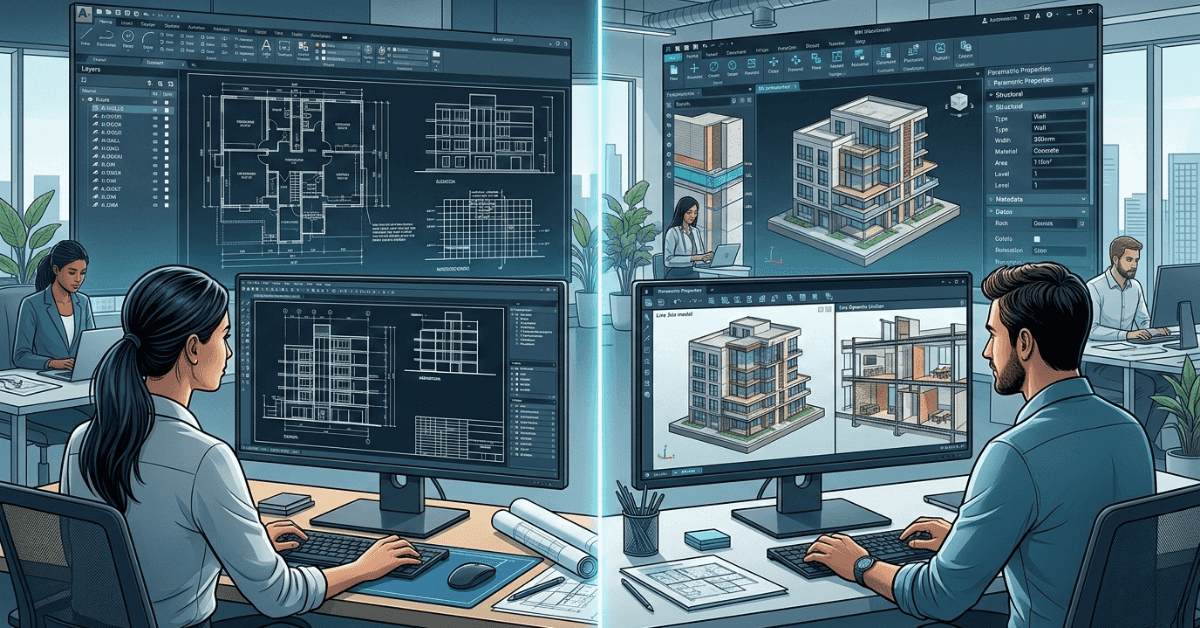
AutoCAD excels in 2D drafting. It provides unmatched precision and control, making it ideal for detailed drawings and technical documentation.
In the AutoCAD vs Revit for Building Design comparison, AutoCAD is often preferred for projects that rely heavily on detailed shop drawings and custom annotations. Revit can produce 2D views, but its strength lies more in model-driven outputs rather than manual drafting flexibility.
3. 3D Modeling and Visualization
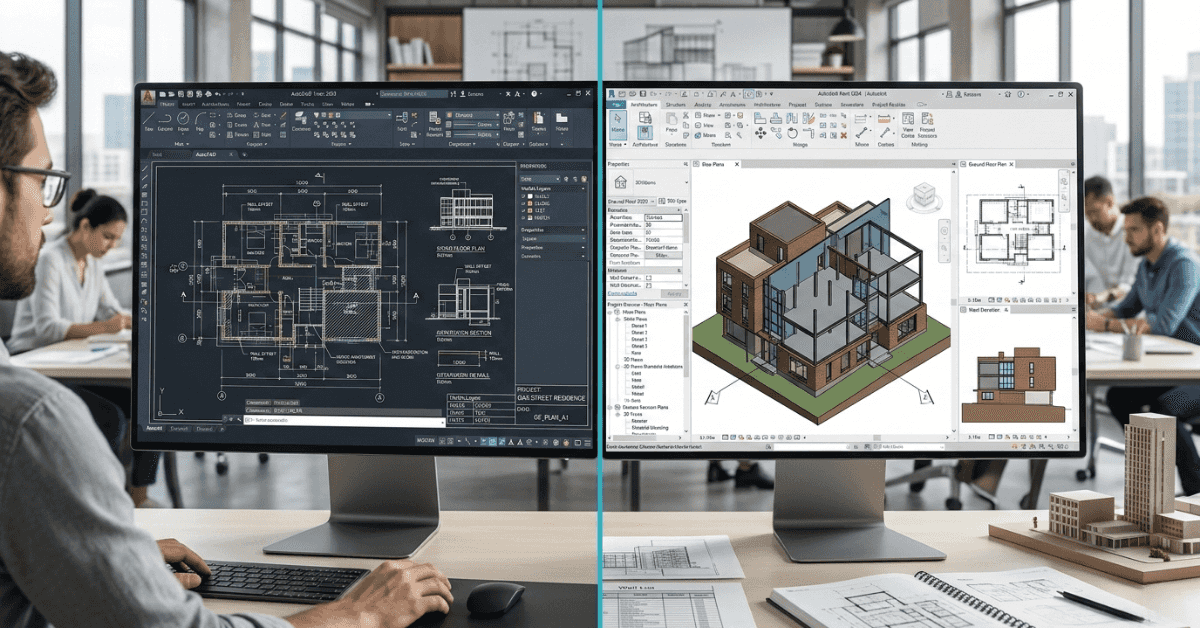
Revit offers advanced 3D modeling capabilities where the entire building is created as a single coordinated model. This allows realistic visualization and easy design changes.
AutoCAD supports 3D modeling, but it is not its primary strength. In AutoCAD vs Revit for Building Design, Revit clearly dominates when it comes to 3D coordination and design visualization.
4. Parametric Design and Automation
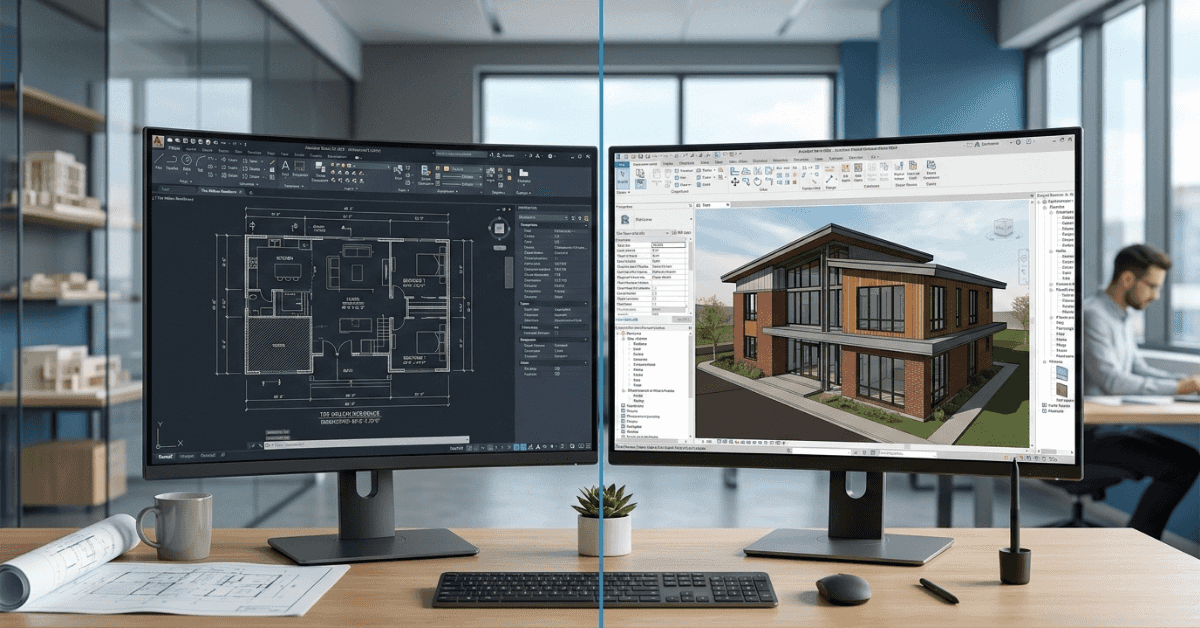
Revit uses parametric components, meaning changes automatically update throughout the model. This automation reduces manual rework significantly.
AutoCAD lacks this level of intelligence. Every change must be manually updated across drawings. This difference makes automation a major deciding factor in AutoCAD vs Revit for Building Design for large projects.
5. Collaboration and Team Coordination
Revit supports multi-user collaboration through shared models. Teams from different disciplines can work together within the same project environment.
AutoCAD collaboration is file-based, which increases the risk of version conflicts. In real-world workflows, this collaboration gap is a key point in AutoCAD vs Revit for Building Design discussions.

6. Learning Curve for Beginners
AutoCAD is easier for beginners to learn due to its straightforward interface and manual approach. Many professionals start their careers with AutoCAD.
Revit has a steeper learning curve because it requires understanding BIM concepts. In AutoCAD vs Revit for Building Design, beginners often choose AutoCAD first before transitioning to Revit.

7. Accuracy and Error Reduction
Revit reduces errors by maintaining consistency across all drawings. Changes automatically reflect everywhere, reducing mismatches.
AutoCAD depends heavily on manual updates, which increases the risk of errors. This accuracy advantage plays a significant role in AutoCAD vs Revit for Building Design decisions for complex projects.
Pros and Cons of AutoCAD in Building Design
Advantages of AutoCAD
AutoCAD remains widely used because of its precision and flexibility in drafting. It is especially strong in 2D drawing environments where architects and engineers need complete control over every line and annotation. For small-scale residential projects or renovation drawings, AutoCAD allows quick documentation without the complexity of full modeling.
Another advantage in the AutoCAD vs Revit for Building Design discussion is its lower hardware requirement. AutoCAD runs smoothly on moderate systems, making it accessible for students and small firms. It is also easier for beginners to learn since it focuses on drafting logic rather than BIM concepts.
Disadvantages of AutoCAD
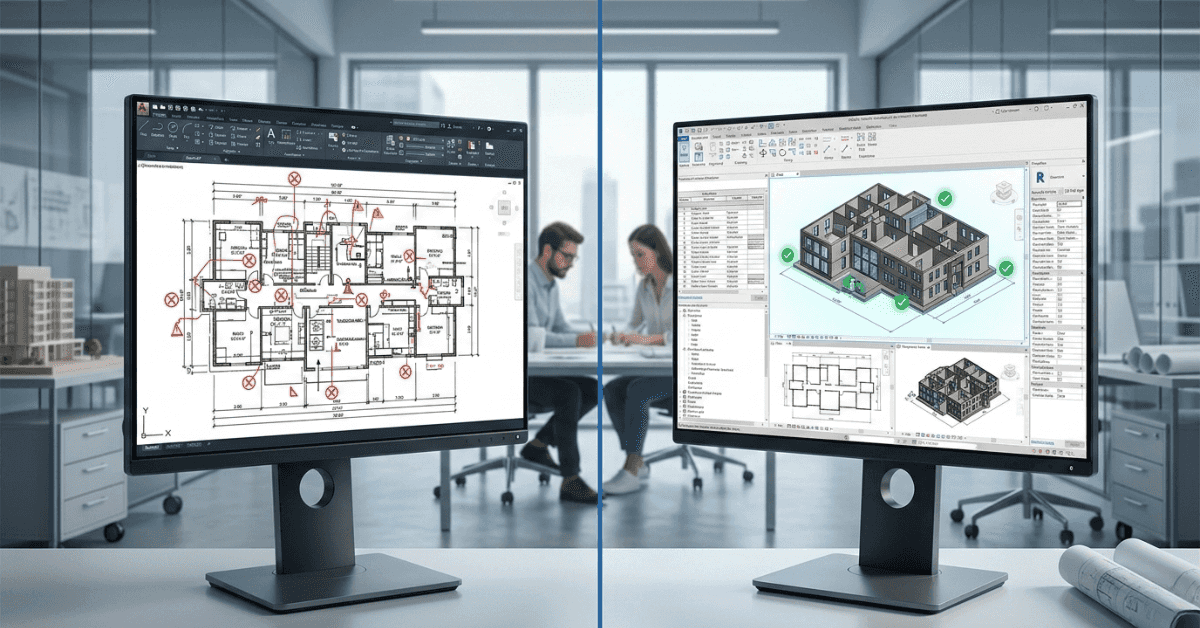
Despite its strengths, AutoCAD has limitations in coordinated building workflows. Since it follows a drawing-based approach, every change must be updated manually across plans, sections, and elevations. This increases the risk of inconsistencies.
In larger projects, coordination between teams becomes challenging. Version conflicts and manual revisions can slow down progress. Within the broader comparison of AutoCAD vs Revit for Building Design, AutoCAD lacks automation, parametric intelligence, and clash detection features that modern BIM projects require.
Pros and Cons of Revit in Building Design
Advantages of Revit
Revit is designed specifically for Building Information Modeling. Its biggest strength lies in creating a single intelligent model where all views are interconnected. When a wall is moved in plan, it automatically updates in elevations, sections, and schedules.
This model-driven system gives Revit a strong advantage in AutoCAD vs Revit for Building Design comparisons for medium and large projects. Revit supports collaboration, quantity take-offs, and better coordination between architecture, structure, and Revit MEP teams.
Revit also improves building design workflow efficiency by reducing repetitive tasks and minimizing errors. The automation built into Revit helps professionals manage time effectively on complex developments.
Disadvantages of Revit
Revit has a steeper learning curve compared to AutoCAD. Beginners must understand BIM logic, families, parameters, and model relationships. This initial complexity can be overwhelming.
It also requires stronger hardware systems and more computing power. For small projects, using Revit may feel excessive. In the overall AutoCAD vs Revit for Building Design debate, Revit may not always be the most practical choice for simple drafting requirements.
Use Cases: When to Choose AutoCAD
AutoCAD is ideal when projects require heavy 2D drafting, detailed shop drawings, or quick documentation without advanced modeling needs. It is suitable for:
- Small residential house plans
- Interior layout drawings
- Renovation and modification plans
- Structural detailing
- Projects with limited collaboration requirements
In the context of AutoCAD vs Revit for Building Design, AutoCAD works best where precision drafting is the primary requirement rather than integrated modeling. It is also a practical starting point for beginners entering the design industry.
Use Cases: When to Choose Revit
Revit is more suitable for projects that require full BIM coordination. It works best for:
- Large commercial buildings
- Multi-storey residential complexes
- Hospital and institutional projects
- Projects requiring clash detection
- Teams working collaboratively across disciplines
When analyzing AutoCAD vs Revit for Building Design, Revit becomes the preferred choice for integrated workflows where design changes are frequent and coordination is critical. It significantly reduces manual revisions and improves project efficiency.
AutoCAD vs Revit for Building Design: Which Should You Learn First?
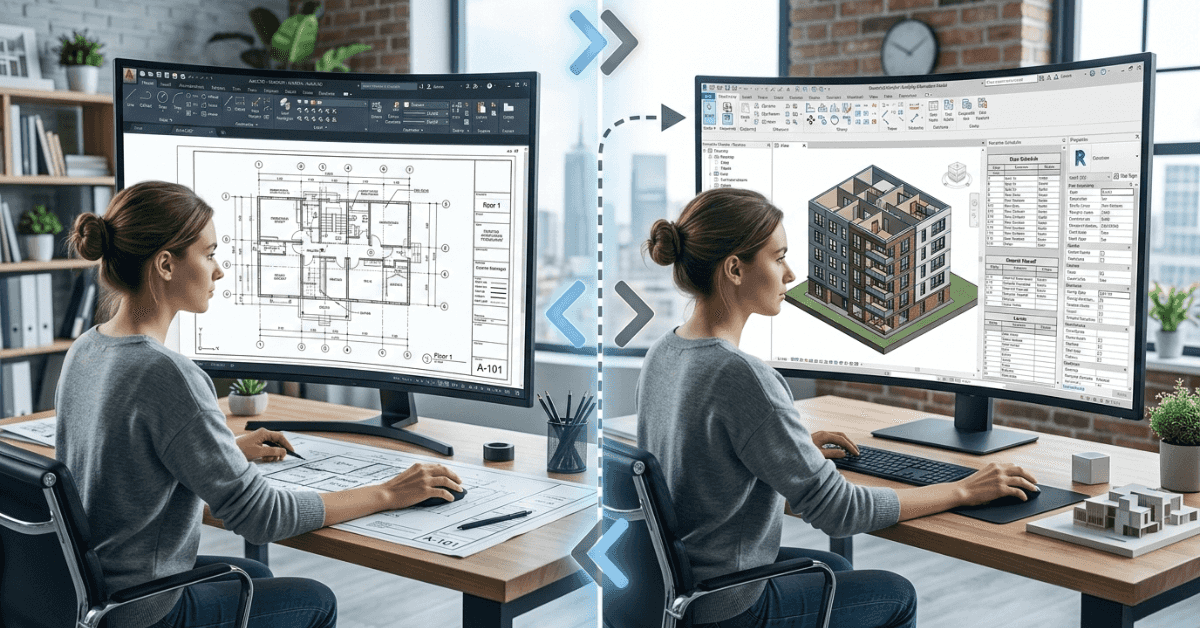
For beginners, the decision often depends on career goals. If the focus is drafting and entry-level design documentation, AutoCAD provides a simpler starting point. It builds a foundation in drawing logic and construction detailing.
However, if the goal is to work on large-scale projects and future-ready BIM workflows, Revit offers stronger long-term advantages. In many professional environments, learning both tools is beneficial. The decision in AutoCAD vs Revit for Building Design should align with the type of projects you plan to handle.
Choosing between AutoCAD and Revit depends on project scale, workflow requirements, and long-term goals. While AutoCAD excels in precision drafting and simplicity, Revit offers intelligent modeling and collaboration advantages. The comparison of AutoCAD vs Revit for Building Design shows that both tools serve different purposes rather than competing directly. Understanding their strengths and limitations helps professionals select the right software for each project confidently and efficiently.
FAQ
1. Is AutoCAD better than Revit for building design?
AutoCAD is better for detailed 2D drafting, while Revit is better for BIM-based coordinated projects.
2. Can Revit replace AutoCAD completely?
Not entirely. Many firms still use AutoCAD for detailing even when primary design is done in Revit.
3. Which software is easier for beginners?
AutoCAD is generally easier to start with, while Revit requires understanding BIM principles.
4. Is Revit mandatory for modern construction projects?
Large projects increasingly prefer BIM workflows, making Revit highly valuable.
5. Should architects learn both AutoCAD and Revit?
Yes. Learning both provides flexibility and better career opportunities.